
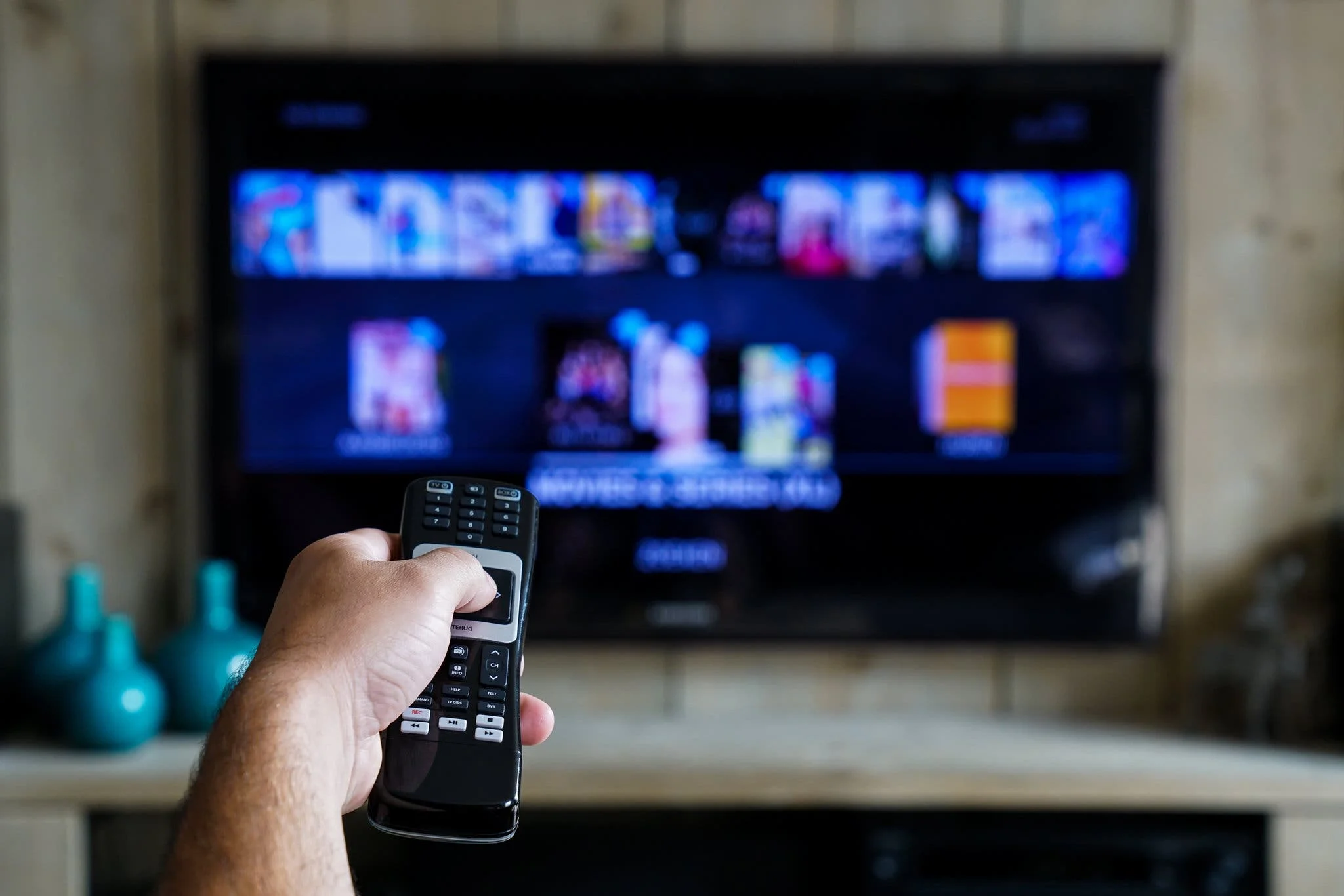
The IPTV market in the United States has grown dramatically over the last five years. What used to be a niche option for tech-savvy cord cutters is now a mainstream alternative for millions of American households. And yet most people still do not actually understand what an IPTV subscription is, how it works, or how to tell a good provider from a bad one.
This guide is the complete picture. We are going to cover what IPTV is, how it differs from cable and streaming bundles, what it costs in the USA, how to pick the right provider, and how to set it up on every device. By the end, you will have a clear framework for evaluating any IPTV service on the market.
We will also cover the specific things American viewers should look for, since the US market has its own quirks. Sports rights, regional networks, geo-restrictions, and the ways providers either deliver or fall short. If you want to start with a specific angle, our guide on the best live TV streaming service in the USA covers the bundle comparison in detail.
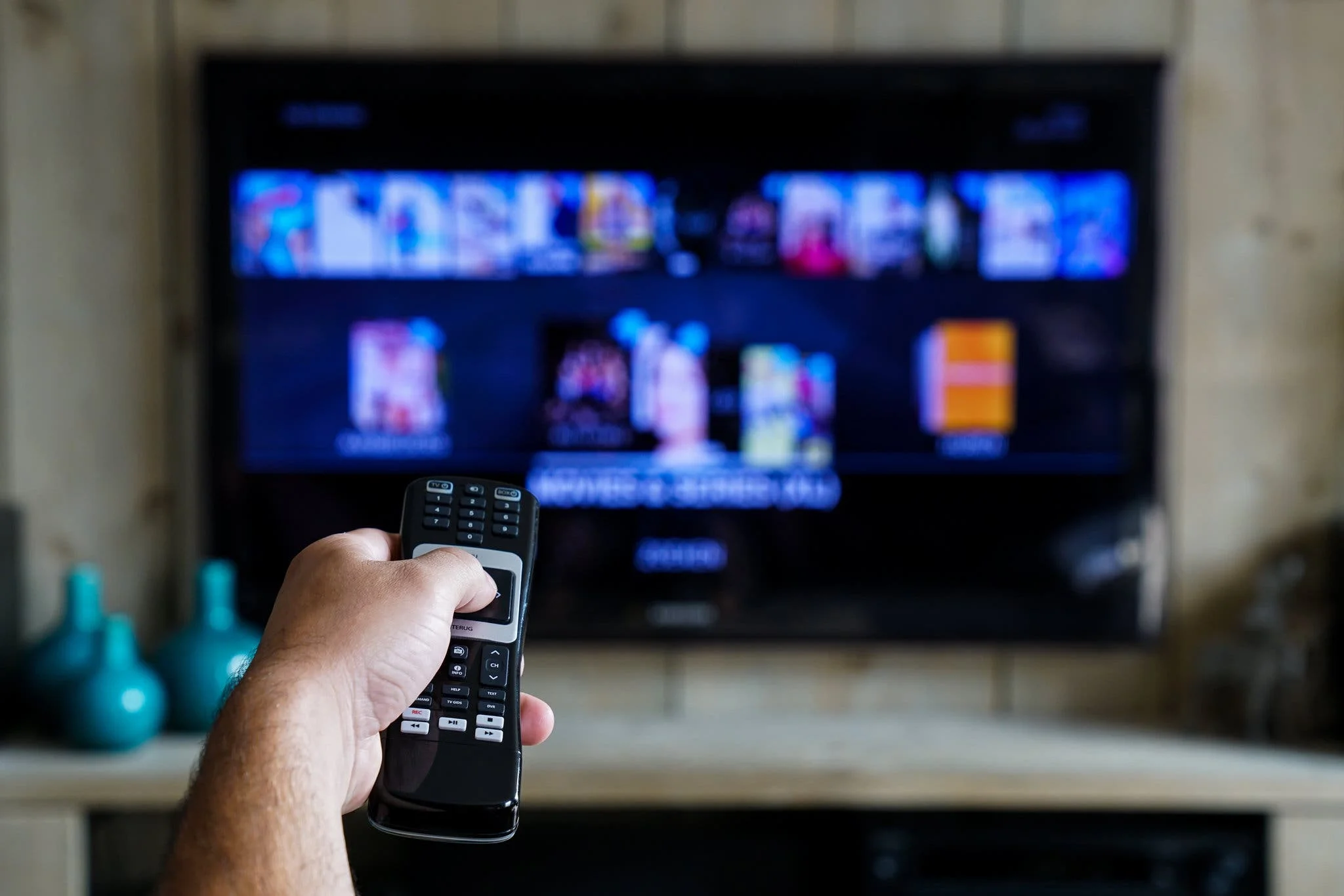
What Is IPTV and How Does It Work in the USA
IPTV stands for Internet Protocol Television. Instead of a coax cable, a fibre receiver, or a satellite dish, the channels are delivered over your internet connection. That is the whole technical difference between IPTV and traditional television.
In practice, IPTV works like this. You subscribe to a provider who carries a library of live channels and on demand content. You install a player app on your device, whether that is a Firestick, Smart TV, phone, or computer. You log in with the credentials the provider sends you. The app connects to the provider's servers, downloads the channel list and EPG guide, and starts streaming.
The technology behind the streaming is the same protocol that YouTube Live and Twitch use. The video is chopped into small segments, delivered over HTTPS, and stitched together by the player in real time. The result feels exactly like watching a traditional channel, except it runs on your internet connection instead of a dedicated line.
That architecture is why IPTV is dramatically cheaper than cable or satellite. There is no coax infrastructure to maintain, no set-top box to rent, no installation technician to send out, and no regional licensing overhead. The savings pass directly to the subscriber.
IPTV vs Cable vs Streaming Bundles
There are three main ways to watch live TV in the USA today. Traditional cable, live TV streaming bundles like YouTube TV and Hulu Live, and IPTV subscriptions. Each has a different pricing model and a different lineup, and understanding the tradeoffs helps you choose the right one.
Cable is the traditional option. It delivers reliable service, but it requires a contract, a set-top box, and monthly pricing that typically runs $100 to $180 per month depending on the package. Add-ons for sports, premium channels, and extra boxes push the number higher.
Streaming bundles like YouTube TV, Hulu Live, and FuboTV sit in the middle. They cost $40 to $80 per month for the base plan, and they deliver 30 to 150 channels depending on the service. Add-ons for regional sports, 4K, and premium channels push the real monthly cost to $100 or more for a complete setup.
IPTV subscriptions cost dramatically less. Our service starts at $39 for a 3 month plan on a single screen, works out to $8.17 per month on the 6 month plan, and drops to $5.75 per month on the annual tier. Every plan includes 36,000 live channels, 120,000 on demand titles, the full American sports lineup, and every premium channel.
| Option | Monthly Cost | Channels |
|---|---|---|
| Traditional Cable | $100 to $180 | 100 to 250 |
| Streaming Bundle | $40 to $80 base | 30 to 150 |
| Streaming Bundle + Add-Ons | $100 to $150 real cost | 100 to 200 |
| IPTV Subscription | $5.75/mo annual | 36,000+ |

What an IPTV Subscription Includes in the USA
A complete IPTV subscription in the USA should include four main categories of content. If a provider is missing any of them, the lineup is incomplete. Here is what to expect.
The first category is US broadcast and cable networks. ABC, CBS, NBC, FOX, PBS, and The CW for broadcast. ESPN, FS1, TNT, TBS, USA, AMC, FX, and every other major cable channel for entertainment and sports.
The second category is premium channels. HBO, Showtime, Starz, Cinemax, and AMC+ all should be included without an extra fee. On cable and on the big bundles, these each cost $10 to $20 per month extra. On a properly built IPTV subscription, they are part of the base package.
The third category is sports. The full American sports lineup including NFL Sunday action, NBA, MLB, NHL, college football, ESPN, and every major pay-per-view event. Beyond that, most providers carry international sports including Formula 1, Premier League, and major soccer leagues.
The fourth category is international channels. Canadian networks like CBC, CTV, and TSN. UK channels including BBC, ITV, and Sky. Australian networks. European broadcasters. Asian channels from India, Pakistan, China, Japan, and Korea. Middle Eastern channels from across the Gulf region. A complete IPTV subscription covers all of it.
Six Things Every US IPTV Subscription Should Include
- Every major US broadcast and cable network.
- Every premium channel including HBO, Showtime, and Starz.
- Full American sports lineup including NFL Sunday, NBA, MLB, NHL, and college football.
- Every major pay-per-view event including UFC and championship boxing.
- International channels from 100+ countries.
- A large on demand library of movies and complete TV series boxsets.
How Much IPTV Actually Costs in the USA
IPTV pricing in the USA varies widely. Some providers charge $3 per month for a basic service, some charge $30 per month for a premium service. Our pricing sits in the middle, with an emphasis on delivering the full lineup at a price that stays flat.
Our 3 month plan costs $39 for a single screen, which works out to $13 per month. The 6 month plan costs $49, or $8.17 per month. The annual plan costs $69, or $5.75 per month. Every plan includes the same full lineup regardless of length. The pricing reflects commitment length, not features.
For households that want multiple simultaneous streams, we offer 2 screen and 3 screen plans. The pricing scales accordingly, but the per-month savings remain significant compared to any cable or streaming bundle alternative.
The important thing to understand about IPTV pricing is that it should be transparent. The price you see at signup should be the price you pay for the entire subscription term. No sports fee, no regional add-on charge, no 4K upgrade, no DVR limits, and no annual price increase.

How to Pick the Best IPTV Service in the USA
The US IPTV market has hundreds of providers, and the quality varies wildly. Most of them are resellers who rent access from another provider and resell it at a markup. Only a small number actually own and operate their own infrastructure. Knowing how to spot the difference is the key to picking a good service.
The first thing to check is whether the provider owns their own servers or is reselling. A reseller cannot fix server-side issues, cannot reroute traffic during peak hours, and cannot upgrade hardware. When something breaks, their only option is to tell you to try again later.
The second thing to check is the bitrate on their 4K channels. A genuine 4K stream runs at 25 to 30 Mbps. A compressed one runs at 5 to 10 Mbps. Ask the provider directly what their average 4K bitrate is. If they cannot answer, they are compressing.
The third thing to check is support. Look for WhatsApp support that responds in minutes, not days. Real providers have real people on hand, and they resolve issues the same day. Providers that only offer email or a ticket system are almost always understaffed.
The fourth thing to check is device support. A complete IPTV subscription works on every major device including Firestick, Smart TV, Apple TV, iPhone, iPad, Android phone, Windows, Mac, and MAG boxes. If a provider only supports one or two devices, or forces you to use their proprietary app, they are not delivering the full experience.
The fifth thing to check is whether they offer a free trial. Every legitimate IPTV provider does. A free trial lets you test the picture quality, the sports coverage, and the EPG before you pay. Providers that refuse a trial are hiding something.
Five Things to Check Before You Subscribe
- Do they own their servers or are they reselling? Ask where their servers are located.
- What is the average bitrate on their 4K channels? If they cannot answer, they are compressing.
- How fast is their support response? Test it during the free trial, before you pay.
- Do they support every major device including Smart TV, Firestick, and mobile?
- Do they offer a free trial with no pressure and no auto-charge?
Setting Up IPTV in the USA on Any Device
Setup on any device follows the same three-step pattern. Install a player app, log in with the credentials the provider sends you, and let the channel list load. The specific buttons vary by device, but the process is universal.
On Firestick, you sideload the player app using the Downloader tool, since most IPTV players are not available in the Amazon App Store. On Smart TVs, you install from the built-in app store for Samsung Tizen and LG webOS. On Apple TV and iOS, you install from the App Store. On Android TV and Google TV, you install from Google Play. On Windows and Mac, you download the installer from the player's website.
Once the app is installed, log in with the Xtream Codes credentials the provider sends you. Xtream Codes is faster than M3U, uses less memory, and pulls the EPG guide automatically. The channel list, the seven day guide, and the on demand library all load in about thirty to sixty seconds.
We activate every major IPTV player for free with your subscription. IBO Player Pro for the fastest channel zapping and lowest memory use, IPTV Smarters Pro for the widest device support, and TiviMate for the most customization. Our team walks you through the install on WhatsApp and confirms the EPG is pulling correctly before we let you go.
Why Server Infrastructure Determines Everything
Two IPTV providers can offer similar lineups and similar prices, and yet one will look dramatically better in practice. The difference comes down to server infrastructure, and it is the single most important factor in whether you actually enjoy your subscription.
Delivering live TV to thousands of subscribers at once requires dedicated edge servers, high-bandwidth connections, and load balancing systems that can reroute traffic when a node struggles. Providers that build all three deliver clean streams even during peak hours. Providers that cut corners deliver buffering, dropped frames, and unreliable channels.
Our servers run on dedicated US edge nodes in New York and Los Angeles, with anti freeze load balancing that reroutes traffic the moment a node starts to struggle. Every channel with a 4K variant is delivered at real bitrate. This is why our live sports streams stay at 60FPS during the Super Bowl and the NBA Finals, when budget providers start dropping frames.
We also cover the full American sports lineup including NFL Sunday, NBA, MLB, NHL, college football, ESPN, HBO, Showtime, and every major pay-per-view event. Our on demand library carries 120,000 titles. The full lineup works with the same subscription and the same credentials, on every device.
What Our Subscribers Actually Get
- 36,000 live channels and 120,000 on demand titles in one subscription.
- Full American sports lineup including NFL Sunday, NBA, MLB, NHL, college football, ESPN, HBO, Showtime, and PPV.
- Free activation of IBO Player Pro, IPTV Smarters Pro, and TiviMate on WhatsApp.
- Dedicated US edge servers in New York and Los Angeles with anti freeze load balancing.
- Real 4K bitrate at 25 to 30 Mbps on every channel with a 4K variant.
- WhatsApp support for the entire length of your subscription.
Real 4K
25 to 30 Mbps bitrate on every 4K channel, verified during peak hours.
US Edge Servers
New York and Los Angeles nodes with anti freeze load balancing.
Free Activation
IBO Player Pro, IPTV Smarters Pro, and TiviMate set up for you on WhatsApp.

Fixing the Most Common IPTV Problems in the USA
Even with a solid subscription, you will occasionally run into small issues. Almost all of them are fixable in a minute, and almost none of them mean the provider is at fault. Here are the ones we see most often on our US WhatsApp support line.
If streams buffer during peak hours, the issue is almost always the provider's server load. Bundles handle this with massive server farms and high pricing. IPTV providers either build similar infrastructure or they cut corners. Our service uses dedicated US edge nodes with anti freeze load balancing specifically to handle peak-hour load.
If channel zapping is slow, the issue is usually the player app, not the service. Switching from a heavy player to a lighter one like IBO Player Pro often solves it in seconds. If you are already on a light player and zapping is still slow, the app's buffer setting may be too high.
If the EPG guide is missing or shows the wrong time zone, reload the playlist from your player settings. The guide refreshes automatically every six hours, but a manual reload forces an immediate update if the cache is stale. If it still does not load, our WhatsApp team can verify the credentials on our side.
Getting Started With IPTV in the USA
The fastest way to start watching is to choose a plan and let our team handle the setup. Every plan includes the full 36,000 channel lineup, the full American sports lineup, every premium channel, and the full international lineup, all for the same flat price.
Our service runs on dedicated US servers with anti freeze load balancing, includes 36,000 live channels and 120,000 on demand titles, and covers the full American sports lineup including NFL Sunday, NBA, MLB, NHL, college football, ESPN, HBO, Showtime, and every major pay-per-view event.
The monthly cost starts at $39 for a 3 month plan on a single screen, and drops to under $6 per month on our annual tier. Every plan includes free activation of IBO Player Pro, IPTV Smarters Pro, and TiviMate, plus WhatsApp support for the entire length of your subscription.
If you want to see how the full setup process works before you commit, our IPTV setup guide walks through every step on Firestick, Smart TV, Apple TV, and mobile. And if you want to know what real American viewers say after they have been subscribed for a while, our verified US customer reviews page has honest feedback, including some critical comments worth reading before you decide.
Frequently Asked Questions
06 QuestionsWhat is IPTV in the USA and how does it work?
IPTV stands for Internet Protocol Television. Instead of a coax cable or satellite dish, channels are delivered over your internet connection. You install a player app on your device, log in with the credentials from your provider, and the app streams channels in real time using the same technology that YouTube Live uses. The result feels exactly like traditional TV, at a fraction of the price.
Is IPTV legal in the United States?
IPTV is a delivery technology, not a service by itself. It is completely legal when the provider has the appropriate distribution rights for the content they carry. Our service licenses the channels and content we deliver, and every subscriber gets a clear terms of use agreement at signup.
How much does an IPTV subscription cost in the USA?
Our pricing starts at $39 for a 3 month plan on a single screen, which works out to $13 per month. The 6 month plan is $49, or $8.17 per month. The annual plan is $69, or $5.75 per month. Every plan includes the same full lineup regardless of length.
What channels are included in a US IPTV subscription?
A complete IPTV subscription includes every major US broadcast network, every major cable channel, every premium channel including HBO and Showtime, the full American sports lineup including NFL Sunday, NBA, MLB, NHL, and college football, every major pay-per-view event, and the full international lineup from 100+ countries.
Do I need a special device for IPTV in the USA?
No. IPTV works on any modern device including Firestick, Android TV, Smart TV, Apple TV, iPhone, iPad, Android phone, Windows, Mac, and MAG boxes. If you have an older device that cannot run the modern player apps, we can recommend a low-cost upgrade during setup. Our team handles the entire configuration on WhatsApp.
How do I test an IPTV service before subscribing?
Every legitimate IPTV provider offers a free trial. Use it to test the 4K picture quality on a live sports stream, check the channel lineup including premium and international content, verify the EPG guide works on your device, and confirm the stream holds steady during peak hours. Only pay after all four tests pass.
One Last Thing
IPTV has become the leading alternative to cable in the United States, and for good reason. The lineup is wider, the price is dramatically lower, the setup is faster, and there is no contract to sign or equipment to rent. The only thing that separates a great IPTV experience from a frustrating one is the provider you choose.
If you want a US IPTV subscription that covers every major network, every premium channel, every major sports feed including PPV, and the full international lineup, our plans start at $39 and every tier includes real 4K bitrate, dedicated US edge servers in New York and Los Angeles, and 36,000 live channels with 120,000 on demand titles. Free activation of IBO Player Pro, IPTV Smarters Pro, and TiviMate is included, along with WhatsApp support for the entire length of your subscription. Message us on WhatsApp whenever you are ready and we will get you streaming in under ten minutes. You can also browse our IPTV Subscription pricing to see every tier side by side.